


Start capturing your best plays today!
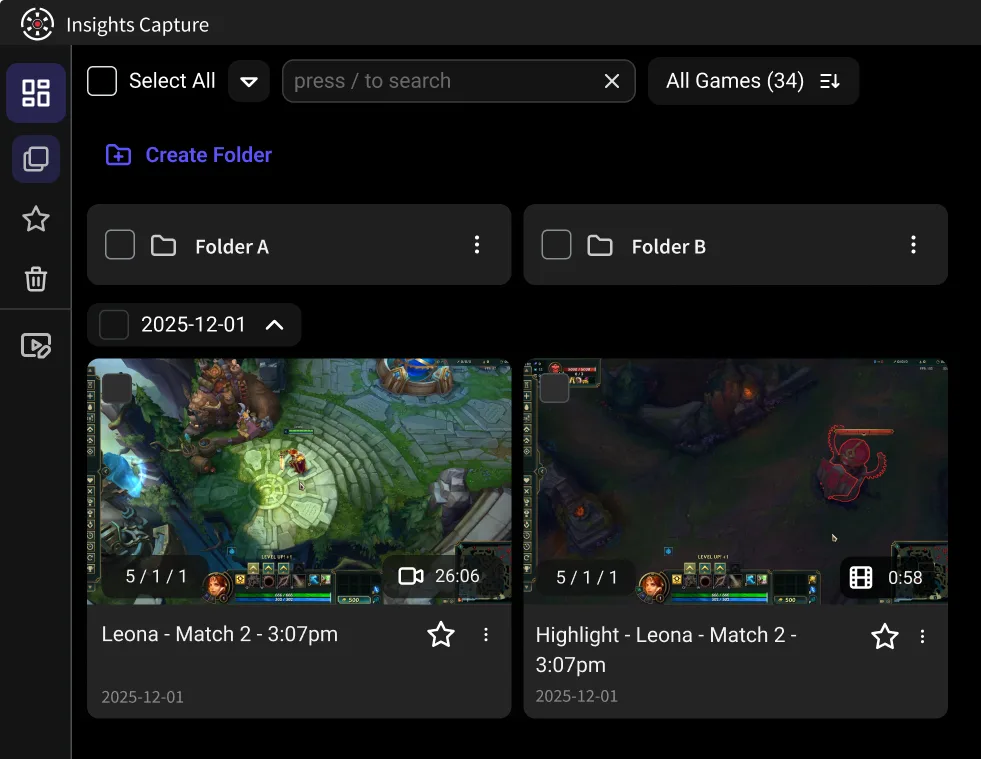


Recording runs in the background across any experience you load into — obbies, tycoons, horror maps or your own creations — with no per-game setup. It captures with no lag, so a laptop or lower-spec PC keeps the frame rate it had before you started.
Save the clutch obby finish, the funny moment with friends, or a run through something you built yourself. Trim it and share it in two clicks.


Post to TikTok, YouTube or Discord straight from the app — no watermark, no export queue. Trim the clip down to the run itself first, so what you send is just the part your friends want to see.

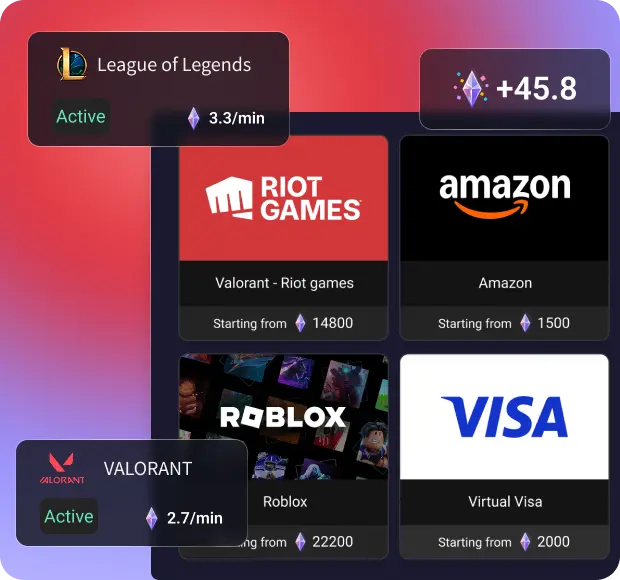
For games with active bounties, earn Shards which you can trade for real gift cards!
Esports Head Coach
From Ocean deep blue to Delicate Sakura Pink, Customize app appearance the way you like.


Esports Head Coach
Capture everything on your screen, from gameplay to desktop activities, for comprehensive recordings.

Esports Head Coach
Seamlessly combine multiple recordings into one cohesive video with our easy-to-use merging tool.
Esports Head Coach
Insights no longer needs Overwolf to run the app, saving precious system resources for your game

Esports Head Coach
Efficiently manage your recordings with extensive storage options, including easy file organization and cloud integration.

Esports Head Coach
Show your key presses on screen — handy for obby tutorials and showing exactly how a jump was timed. Viewers see the input and the result together, which makes a tricky section much easier to explain.
.jpg)
Nayosh K.
Esports Head Coach
Best Roblox recorder. 60 fps clips and works like a charm even for low end PCs

Niko G.
Esports Head Coach
Truly my go-to app for all things vod related since I found, from the free version to the memory expanding paid options for orgs, by far the most dedicated dev and cutting edge tool lineup available out there. Never used another app since installing. ^^

Kairos
@booth_robert380

Very easy access to all my clips, insights automatically edits my clips into short 2-minute videos, and it does not take up much storage.

John97
@jamescoook
It is easy to use especially to share clips with my friends so we can watch it together.

Josue
@gonzalez77
We just started an esports organization, and I coach a high school team. After using this for one night, I sent the link to both groups of players.

Zachber
@giiiill1adrian
It does not take up very much storage or anything else that would take away from your gaming experience. It is easy to send clips to friends and to watch those clips on your own. If you don't want to watch your whole game you can just put the video on highlight mode and watch your favorite moments. I enjoy using it.

Helloerl
@samm-di
The recording process is very easy, you just push record/press your keybinded button. I love that it automatically sorts through the footage to find and make highlights.

David
@better_callhoun
Reviewing gameplays and learning from them can be done with the aid of insights.gg. It might be beneficial to discuss what went wrong, demonstrate your style of play, and allow others to either learn from it or assist you in fixing your mistakes. Sharing insights.gg would be beneficial as it would enable others to improve their gameplays.

Platinex
@cam_eric
I really enjoy that I can make clips and upload everything in a cloud, that makes the insights experience smooth and easy.

Stefan
@connortheking
Find it highly useful for doing VOD reviews to timestamp and comment on activities.

Jaysin
@lollylally
The simple, easy, and low resource way of recording games is awesome. It's also great to use in a team setting for reviewing VODs and coaching.


Download Insights Capture and choose your desired recording settings.

Join any experience and play. Insights Capture records the session and lets you mark the moments you want to keep.

Review your gameplay, edit your clips, and share your best moments with others.