


Start capturing your best plays today!

.webp)

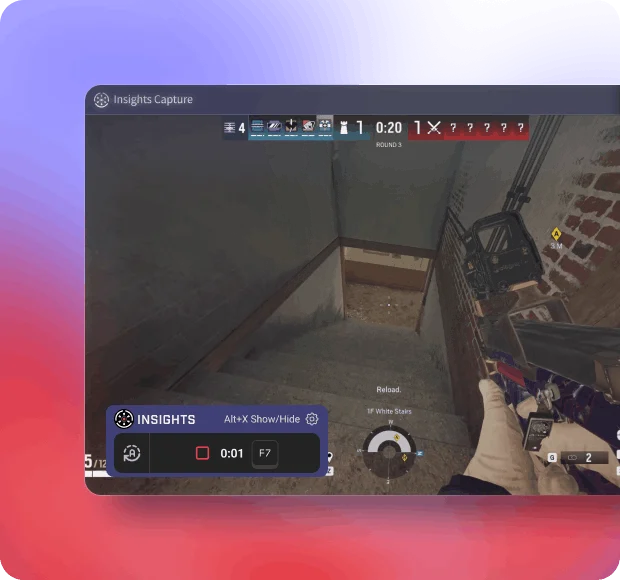
Recording starts in the prep phase and runs through the final round. Every ace, defuser plant and drone clear is captured without touching a setting.
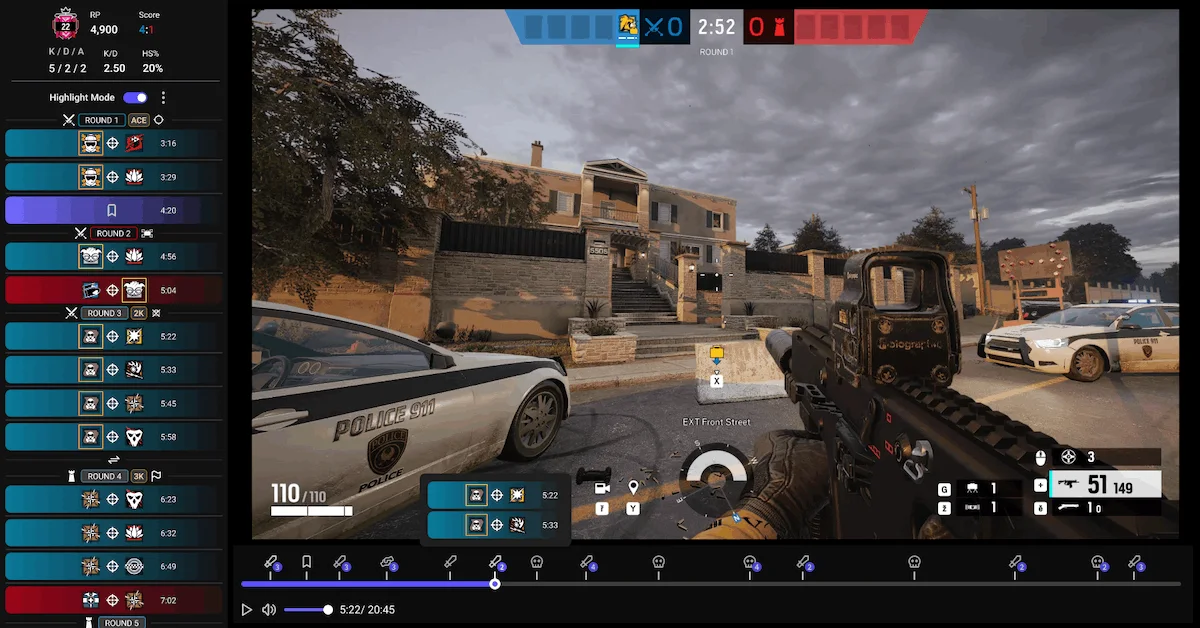
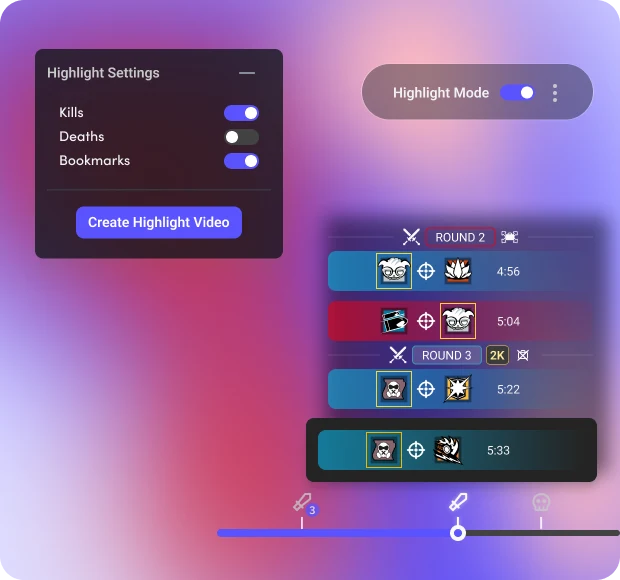
Aces, clutches and defuser plants are saved automatically. Pull the round, trim it, and send it to your team without exporting anything.
.webp)
Kills, deaths, plants and round transitions are timestamped, so you can jump to the round the site fell instead of scrubbing the whole match.
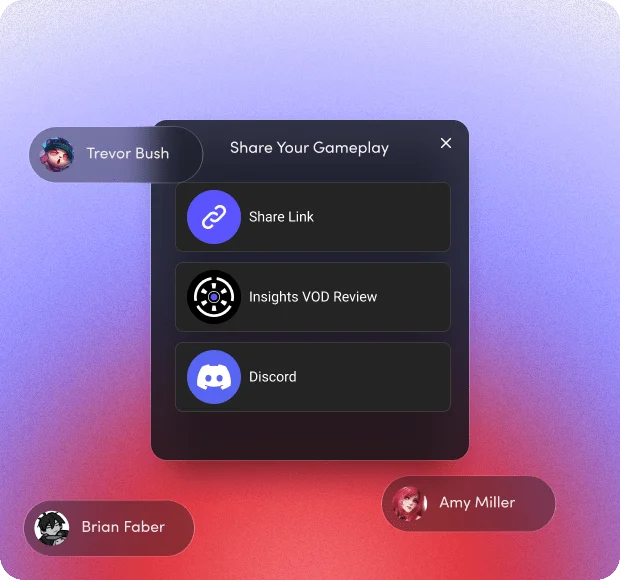
Send rounds to your team's Discord for review, or post highlights to TikTok and YouTube.
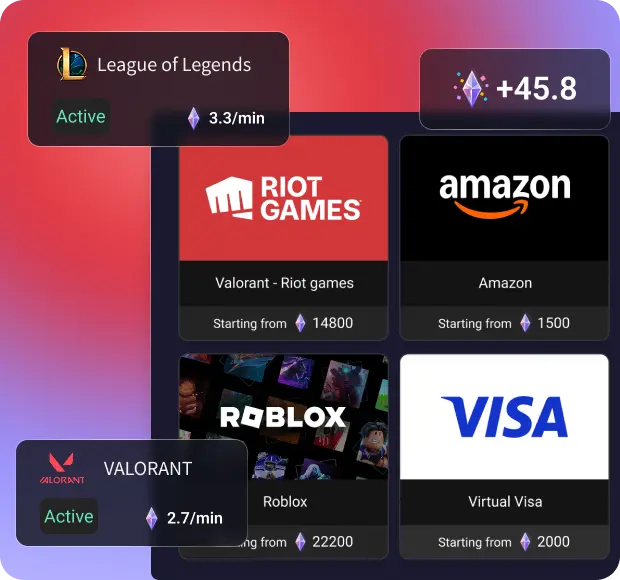

For games with active bounties, earn Shards which you can trade for real gift cards!
Esports Head Coach
From Ocean deep blue to Delicate Sakura Pink, Customize app appearance the way you like.


Esports Head Coach
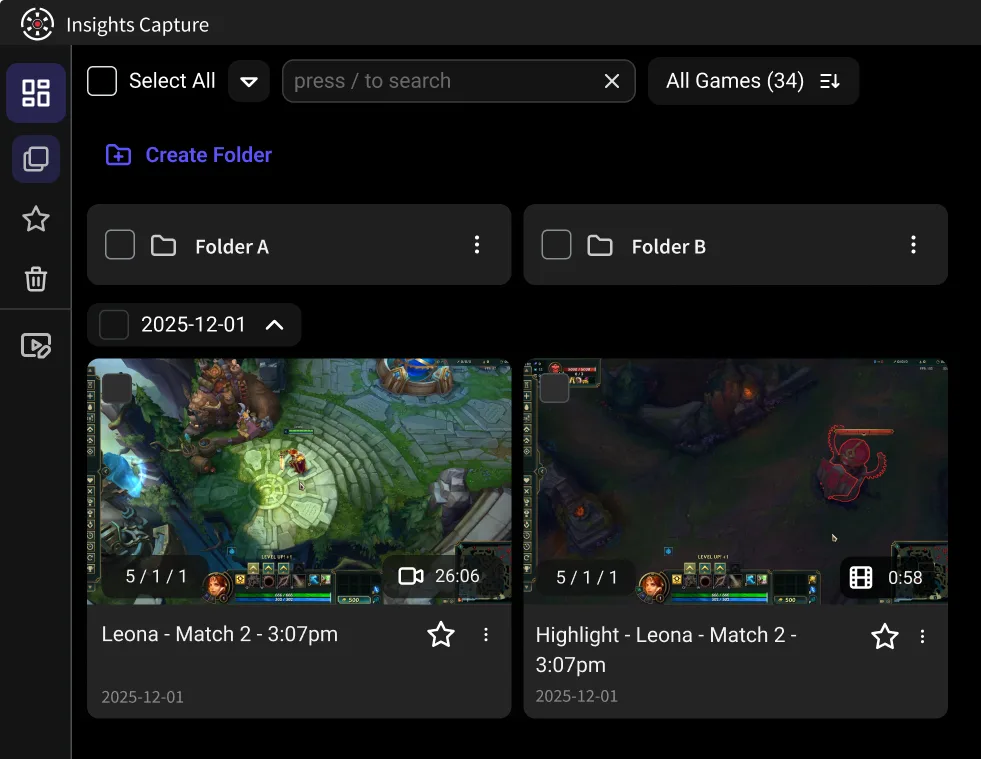
Capture everything on your screen, from gameplay to desktop activities, for comprehensive recordings.

Esports Head Coach
Seamlessly combine multiple recordings into one cohesive video with our easy-to-use merging tool.
Esports Head Coach
Insights no longer needs Overwolf to run the app, saving precious system resources for your game

Esports Head Coach
Efficiently manage your recordings with extensive storage options, including easy file organization and cloud integration.

Esports Head Coach
Show your inputs on screen while you review — useful for breaking down a drone clear or a lean-and-peek someone wants to copy.

Alex M.
Esports Head Coach
Insights Capture helped me analyze key moments and improve my strategies, leading to more clutch plays and better team coordination. I think I honestly got better because of it.

Rob P.
Esports Head Coach
This finally enables me to review on different devices and it's all so easy. The usability of the app is top notch. I wish more apps would be that good. Much appreciated.

Kairos
@booth_robert380

Very easy access to all my clips, insights automatically edits my clips into short 2-minute videos, and it does not take up much storage.

John97
@jamescoook
It is easy to use especially to share clips with my friends so we can watch it together.

Josue
@gonzalez77
We just started an esports organization, and I coach a high school team. After using this for one night, I sent the link to both groups of players.

Zachber
@giiiill1adrian
It does not take up very much storage or anything else that would take away from your gaming experience. It is easy to send clips to friends and to watch those clips on your own. If you don't want to watch your whole game you can just put the video on highlight mode and watch your favorite moments. I enjoy using it.

Helloerl
@samm-di
The recording process is very easy, you just push record/press your keybinded button. I love that it automatically sorts through the footage to find and make highlights.

David
@better_callhoun
Reviewing gameplays and learning from them can be done with the aid of insights.gg. It might be beneficial to discuss what went wrong, demonstrate your style of play, and allow others to either learn from it or assist you in fixing your mistakes. Sharing insights.gg would be beneficial as it would enable others to improve their gameplays.

Platinex
@cam_eric
I really enjoy that I can make clips and upload everything in a cloud, that makes the insights experience smooth and easy.

Stefan
@connortheking
Find it highly useful for doing VOD reviews to timestamp and comment on activities.

Jaysin
@lollylally
The simple, easy, and low resource way of recording games is awesome. It's also great to use in a team setting for reviewing VODs and coaching.


Download Insights Capture and choose your desired recording settings.

Queue into ranked, standard or a scrim. Insights Capture detects Siege, records every round, and timestamps kills, plants and round transitions.

Review your gameplay, edit your clips, and share your best moments with others.